Mobile App
- Android and iOS
- EVV Compliant with Offline Mode (No Wifi Neeeded)
- Automatic Clock in and Out Notification
- SMS Message Alerts & Reminders
Say Goodbye to Paper Timesheets and Manual Scheduling
Empowering Caregivers
The eCaring Mobile App streamlines documentation and scheduling so caregivers can focus more fully on delivering quality care.
Ease & Efficiency
A simple interface, fast onboarding, and a guided tour help caregivers document visits quickly and spend more time with clients.
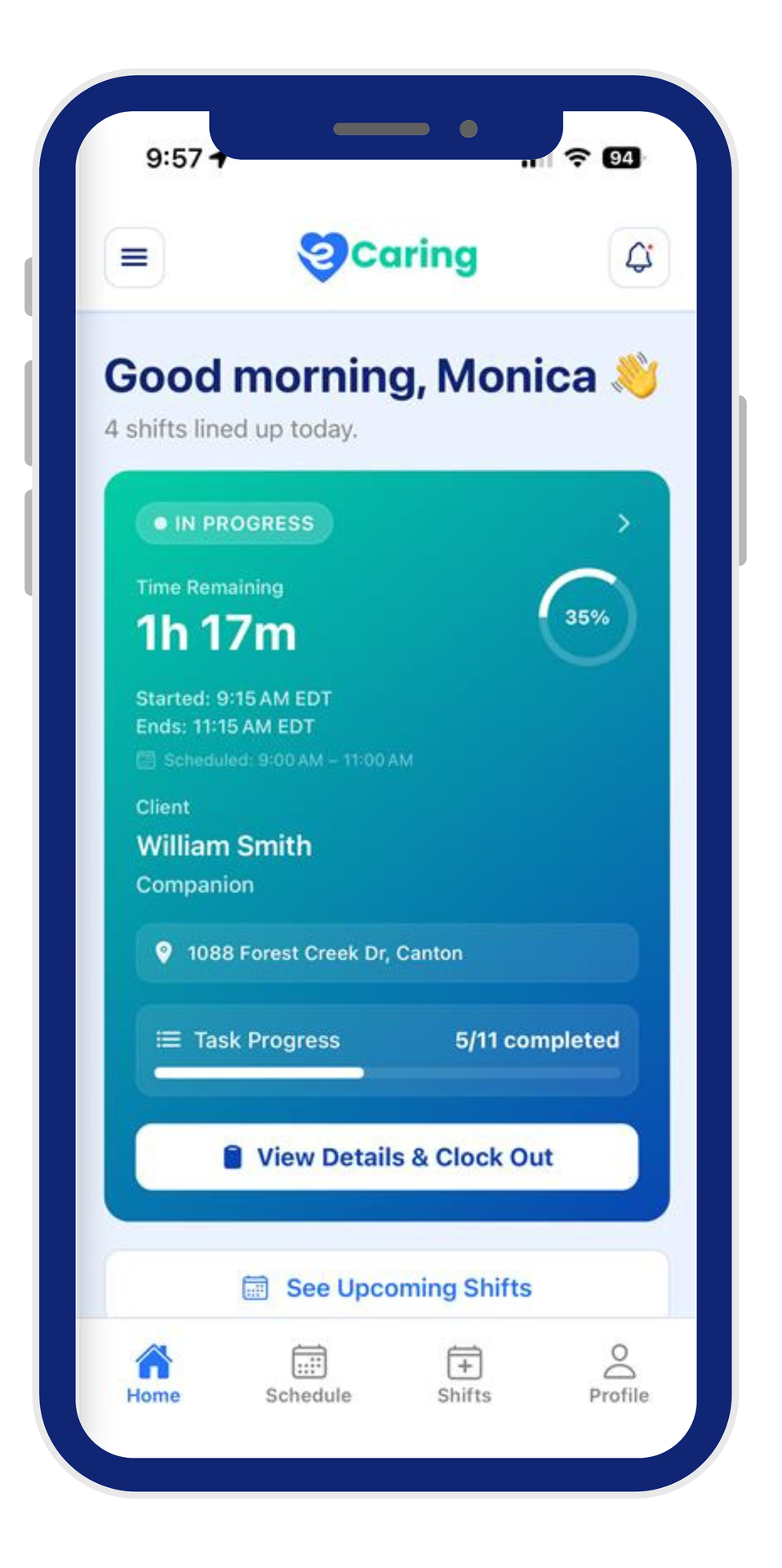
Real-Time Visibility
Caregivers access all visit details with GPS-verified clock-ins, giving your team confidence that care is delivered on time and on site.
EVV Compliant
Automated EVV-compliant tracking and real-time reminders ensure accurate visit records while reducing scheduler oversight.
Peace of Mind for You and Your Caregivers
With the eCaring Mobile App, caregivers have all the information they need for a smooth visit, including client location, GPS navigation, important notes, care plans, ADLs, and more. Built-in GPS tracking ensures accurate clock-in/clock-out times, eliminating guesswork and reducing office calls. Your team can have confidence that caregivers are on-site as scheduled.
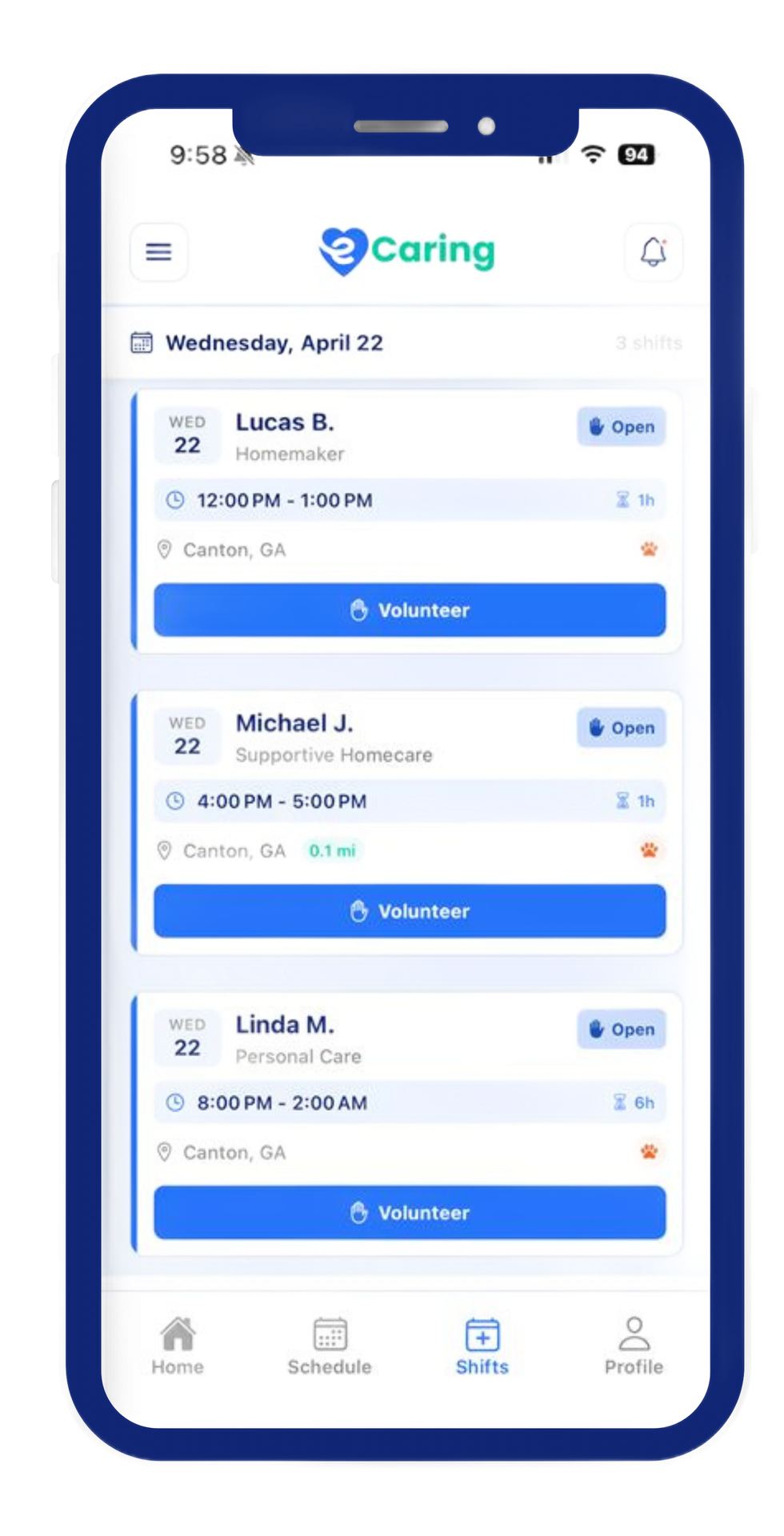
Alerts & Notifications
Alerts & Notifications to remind caregivers to clock in and out are sent automatically by notifications and SMS Messaging reducing the constant need for schedulers to manage, remind, and track missed clock-in and outs in real time.
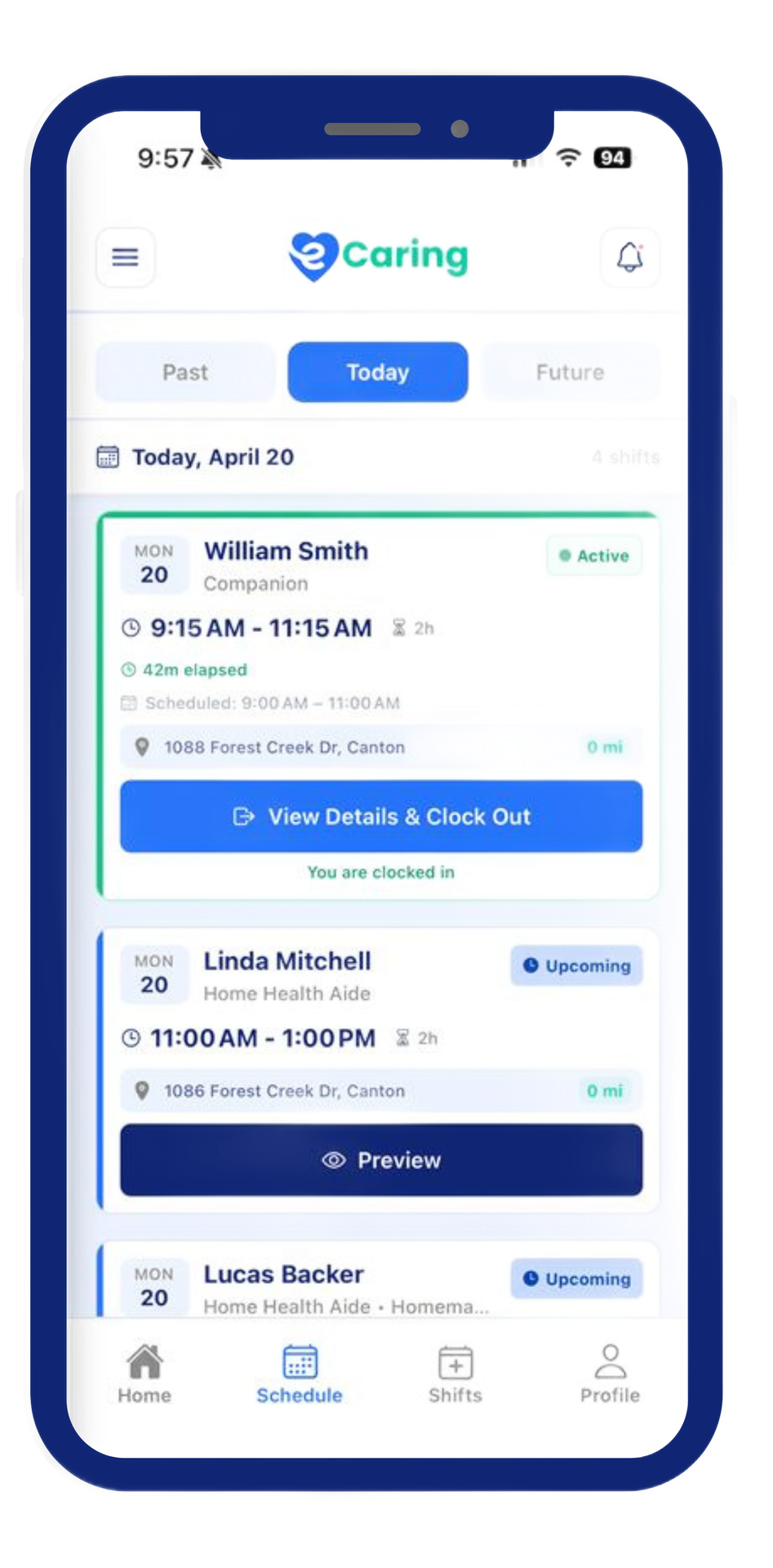
Electronic Visit Verification
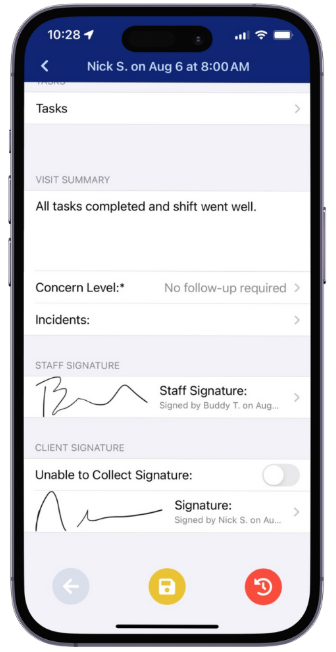
The eCaring Mobile App captures all necessary visit details to comply with EVV regulations. Caregiver locations, clock-in/out times, and attendance records are automatically documented, ensuring full compliance with state requirements.
Got caregivers without a cell phone?
We provide agencies with a dedicated toll-free number that caregivers can use to clock-in and out using the client’s phone. At the end of each shift, caregivers confirm completion by pressing 1 or 2. This serves as a reliable backup to the Mobile App.